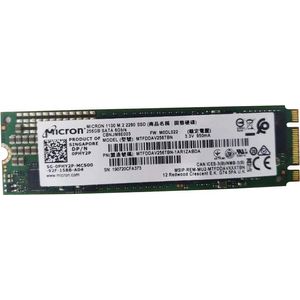
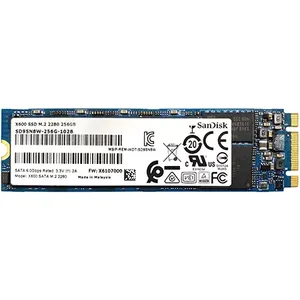
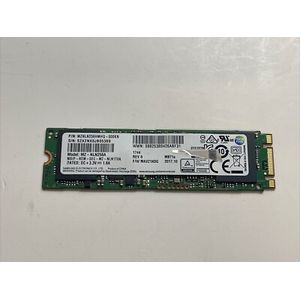
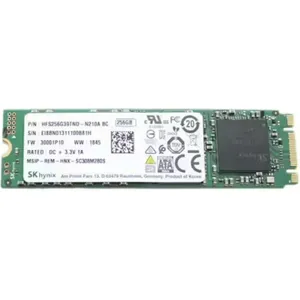
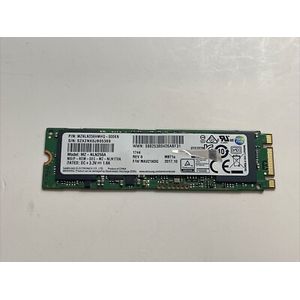
What is an M.2 SATA SSD and how is it different from an M.2 NVMe SSD?
An M.2 SATA SSD uses the SATA protocol, the same as traditional 2.5-inch hard drives and SSDs. It offers a speed improvement over older drives, but is slower than M.2 NVMe SSDs, which use the NVMe protocol and the PCIe interface. The main difference lies in data transfer speed.
Is my laptop or motherboard compatible with an M.2 SATA SSD?
To check compatibility, you need to look at the M.2 slot on your motherboard or laptop. If the slot has a 'B' or 'B+M' key, it is very likely to support M.2 SATA SSDs. Consult your device's manual or the manufacturer's website for precise confirmation.
What is the size difference between M.2 SATA SSDs?
Most M.2 SATA SSDs we offer are 22mm wide with varying lengths, the most common being 2242, 2260, 2280, and 22110. The '80' in 2280, for example, indicates a length of 80mm. Be sure to check the maximum length supported by your M.2 slot.
Do I need an extra cable or power supply to install an M.2 SATA SSD?
No, M.2 SATA SSDs plug directly into the M.2 slot on your motherboard and draw power directly from that slot. No additional SATA or power cables are needed.
What M.2 SATA SSD capacity should I choose?
The choice of capacity depends on your usage. For the operating system and a few applications, 250GB or 500GB may be sufficient. For storing a large number of games, videos, or large files, consider capacities of 1TB, 2TB, or more.
Can I use an M.2 SATA SSD as my main boot drive?
Absolutely. An M.2 SATA SSD is an excellent choice to replace a traditional hard drive or an older SSD as your main boot drive. It will significantly improve your system's boot time and overall computer responsiveness.