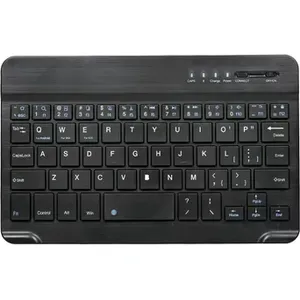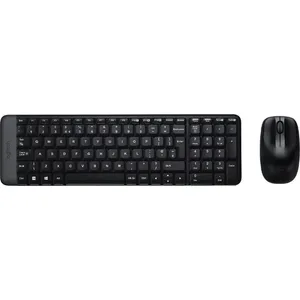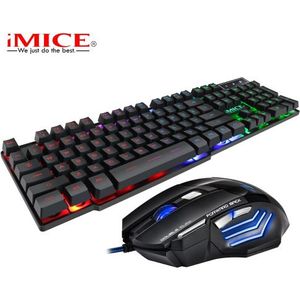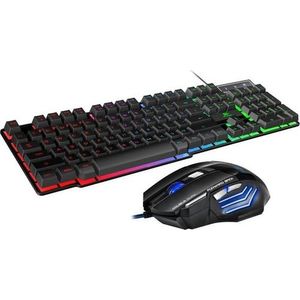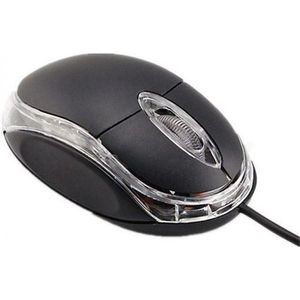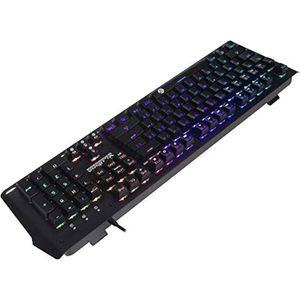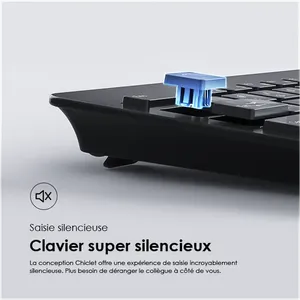
For typing for hours, gaming or switching from tablet to PC: wired, wireless, Bluetooth or mechanical keyboards. Equip your desk.
No products match these filters.
Frequently Asked Questions
With or without a numeric keypad?
Is a mechanical keyboard noisy?
Does the Logitech K380 work with a tablet?
How do I clean a keyboard?
How to choose a keyboard?
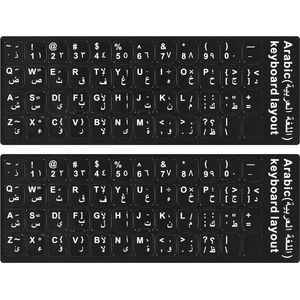
A keyboard is chosen according to use: office work, entering figures, working across several devices or gaming. The AZERTY layout is the one used on French keyboards, and Arabic and French stickers let you add Arabic letters to the keys.
Wired, wireless or Bluetooth?
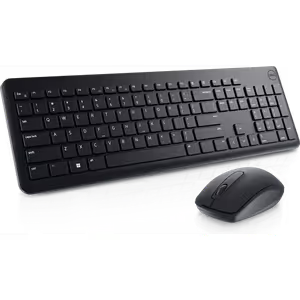
- Wired USB: no battery to change and nothing to set up, like the Dell KB216, which adds multimedia keys for volume and playback.
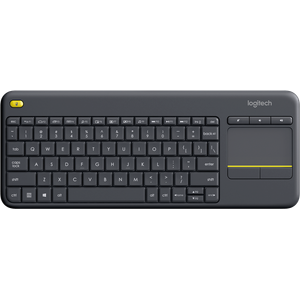
- Wireless: a small USB receiver links the keyboard to the PC. The Logitech K400 Plus has a built-in touchpad, handy for controlling a PC connected to the TV.
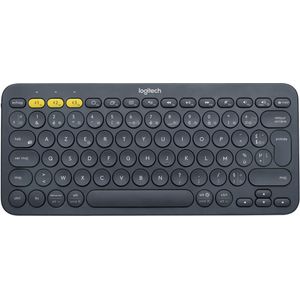
- Bluetooth: with no receiver, it also connects to a tablet or smartphone. The Logitech K380 Multi-Device switches from one device to another with a single key.
Keyboard alone or bundle with mouse?
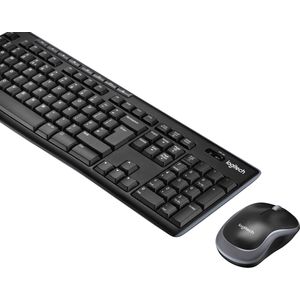
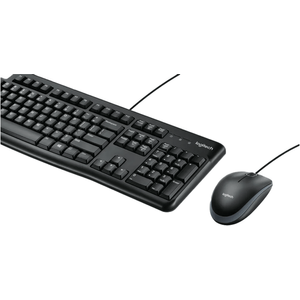
A keyboard and mouse combo equips a workstation in one go with two matching items. The Logitech MK120 is wired, while the Logitech MK220, MK235 and MK270 as well as the Oraimo SmartOffice Combo are wireless.
Gaming and mechanical keyboards
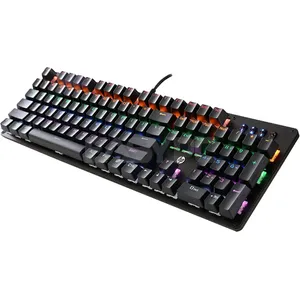
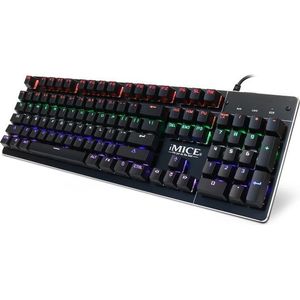
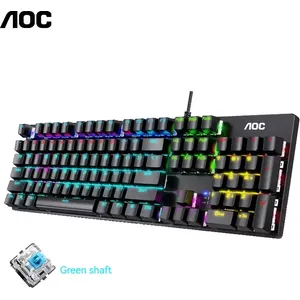
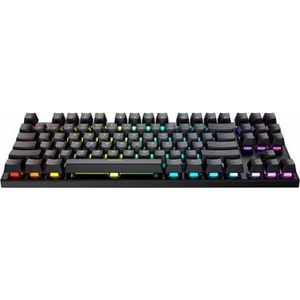
- Mechanical: each key has its own switch, for crisp typing and a long lifespan. Examples: HP GK100F, AOC GK410, iMice MK-X80, SH Pro Gaming MK-X60 in an 87-key format without a numeric keypad.
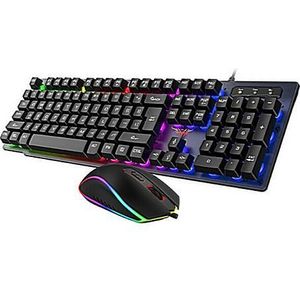
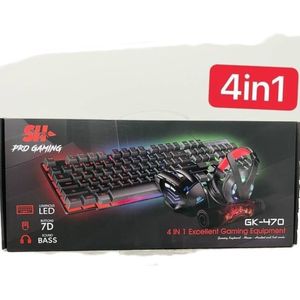
- Gaming bundles: the SH Pro Gaming GK-470 4-in-1 or the iMice AN-300 combine an RGB backlit keyboard and a mouse.
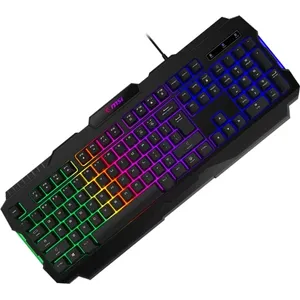
- Membrane: not all gaming keyboards are mechanical. The MSI Forge GK100 keeps the backlighting with quieter typing.
Separate numeric keypad
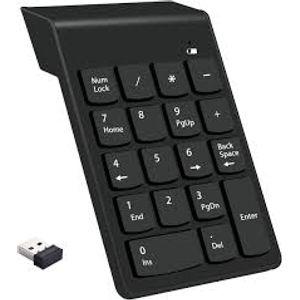
A laptop often has no numeric keypad. A 19 or 23-key USB numeric keypad makes entering amounts easier in accounting or at the checkout.
Complete with a mouse, a USB hub or other PC peripherals.
Brands available: Logitech, HP, Dell, MSI, Oraimo, AOC.